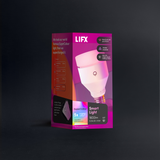






LIFX SuperColor Smart Light 1-Pack - 1100 Lumens

One LIFX smart bulb, one app, one room lit exactly how you want it. 1100 lumens, billions of colors, and a warm-to-cool white range that shifts automatically with your day. No hub, no bridge, connects directly over Wi-Fi and sets up in under 2 minutes. Build schedules, save scenes, and set automations that keep everything running without you thinking about it. Works with Alexa, Google Home, Apple Home, and Matter.


$24.98

2-year warranty

  • No hub required
  • 16M colors + whites
  • Matter certified
  • Ready in 90 seconds

Why you'll love it

Everything you need to know

No Hub. Just Wi-Fi.

  • Designed to shine, built to last. This 1100-lumen smart light brings stunning color and a full spectrum of whites to any room, with seamless integrations across your favorite platforms.
  • Smart lighting, no hub needed. With LIFX you can keep it simple or upgrade your home at your own pace, with no hub and no whole-home commitment.
  • Sync your circadian rhythm. Set your lights to follow the sun, with bright, energizing whites in the morning and soft, warm ambers at night.
  • Designer lighting. From warm 1500K amber to crisp 9000K daylight, LIFX gives you the perfect light for any moment. Save your favorite settings and switch between them as the mood changes.
  • The power of SuperColor. LIFX’s signature color delivers immersive, unbeatable color at 5x the brightness of competitors. It has to be seen to be believed.
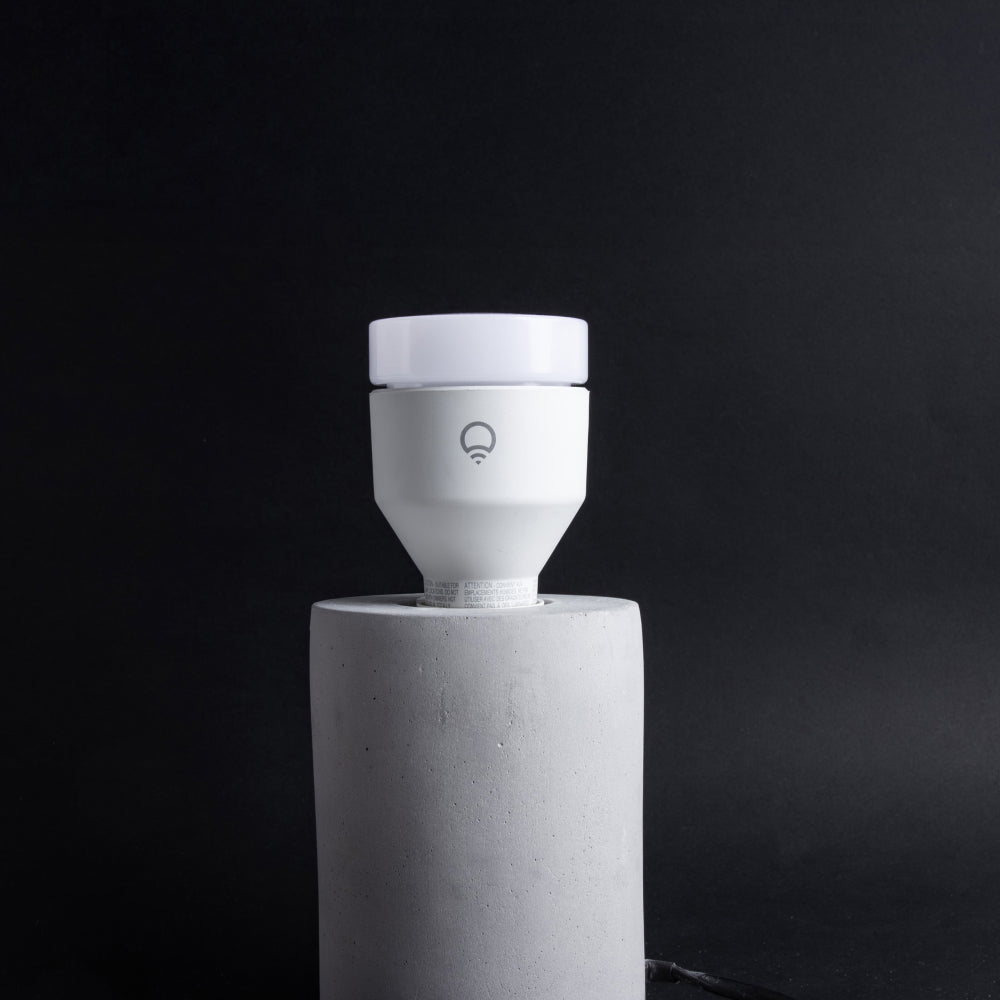
Get the most from your lights with the LIFX app, built to unlock the full power of every LED. Choose solid colors with precision using a 360° color wheel and fine-tune saturation and brightness from 1% to 100% for perfect balance.

Want more depth? Try Color Blends and Gradients to paint your lights with multi-tone hues that shift seamlessly, creating the perfect atmosphere for any mood or moment.

Create Scenes that are uniquely yours. Save your favorite lighting combinations with the perfect mix of color, brightness, and effects, then bring them back anytime with a single tap.

Scenes can be scheduled to match your routine or added to the LIFX Widget for quick access from your phone or smartwatch. Whether it’s a calm morning glow or a burst of party color, your perfect lighting is always within reach.

Discover Themes, beautifully curated lighting moods crafted by LIFX designers to transform your space with a tap. Choose from hand-picked looks like Golden Hour, Movie Night, or Holiday Glow to instantly match the moment, from calm evenings to celebrations or game-day energy.

Every Theme can include subtle animation, bringing movement, warmth, and atmosphere that feels alive. Each is designed for effortless ambiance and personality that suits any occasion.

Smart Light Setup

04 steps

Everything you need to install and style your Smart Light is included in the box — no hub required.

In the box:

  • 1 x Smart Light
  • 1 x User Manual with Matter (or HomeKit) QR Code

You’ll Need:

  • A smartphone (iOS 18.0+ or Android 8.1+)
  • The LIFX app (download from App Store or Google Play
  • A 2.4 GHz Wi-Fi network (Most smart devices require 2.4 GHz. If your router combines 2.4 GHz and 5 GHz, that’s usually fine.)
  • Your Wi-Fi password

Important Notes:

  • Keep your phone near the light during setup.
  • Make sure Bluetooth is enabled.
  • Ensure your phone is connected to the same Wi-Fi network you want the light to use.

Installation

  1. Switch off power at the wall before handling the bulb.
  2. Remove your existing bulb and screw in the LIFX bulb. Use an open luminaire (open fixture) only — do not install in enclosed fixtures.
  3. Make sure the fixture provides sufficient airflow around the bulb for optimal performance.
  4. Switch the power back on. The bulb is now ready to pair.

A few things to check before installing

  • Do not install in fixtures designed for smaller or lower wattage bulbs — this can cause the bulb to perform below capacity.
  • Do not connect to a standard incandescent dimmer or dimming control — the bulb will not operate correctly.
  • Install at least 30cm away from other devices that transmit or receive radio signals where possible.
  • Do not use in outdoor or wet areas — this bulb is for indoor use only, not suitable for dust or moisture.
  • Do not use near ovens, radiators, heaters, or other excessively hot environments.

Tips

  • LIFX connects to 2.4 GHz Wi-Fi only. If you have both bands, check your phone's Wi-Fi details to confirm which you're connected to before pairing.
  • Wi-Fi signal can be interrupted by materials like concrete or mirrors. If pairing is failing, move the bulb closer to your router to complete setup, then relocate it.
  • To factory reset, turn the bulb off and on at the switch 5 times at roughly one per second — not too fast. The bulb will cycle through four colors and stop on white when the reset is successful. Use this to remove the bulb from a network before adding it to a new one.
  • If you change your Wi-Fi password or get a new router, you'll need to reset the bulb and reconnect it through the app as if setting it up for the first time.
  • Allow the bulb to cool before removing it from the fitting — switch off at the wall first.
  • Do not open the device — this will void the warranty. Clean only with a soft dry cloth while unpowered.

Select your device below to get step-by-step setup instructions tailored to your phone. We recommend using the Matter QR code method for the quickest and most reliable connection — you'll find the QR code in your product manual, or printed on the back of your device.

Choose your OS

A19 Smart Light

  • Brightness1100 lumens
  • Color range16M colors
  • White range1500K–9000K
  • CRI82
  • FittingE26 Standard Edison Screw
  • Dims2.48 in × 2.48 in × 4.53 in
  • Warranty2 years
Download manual Download spec sheet
ModelLHLA19E26CANBarcode9347403005043
Customer Reviews

Real homes. Real lights.

No RISK

Buy it. Try it. Decide later.

  • 30 nights to decideNot right? Send it back for a refund. $14.99 return shipping fee applies.
  • 2-year warrantyHardware coverage, end to end. We ship a replacement first.
  • Free Shipping ** All orders over $79 ship free 
Do I need a hub or bridge to set it up?

No. It's Wi-Fi only. Screw it in, then connect via the LIFX app, or scan the QR code for instant pairing with Apple Home, Google Home, Alexa, or SmartThings. Either way, you're set up in under 2 minutes.

How bright is it, and what colors can it produce?

It delivers 1100 lumens, roughly equivalent to a 75W incandescent bulb, with billions of colors and a full warm to cool white spectrum, from 1500K to 9000K. Fine-tune everything with a 360° color wheel and dimming from 1 to 100%.

What's Matter, and does this bulb support it?

Yes. It's Matter compatible, connecting seamlessly to Apple Home, Google Home, and SmartThings without needing a separate hub. Matter is the new industry standard for smart home devices, so it future proofs your setup: your bulb stays compatible as new platforms and devices join the ecosystem, instead of being locked into just one.

Does this smart bulb work with Google Home and Alexa?

Yes, right out of the box. LIFX bulbs connect directly to your Wi-Fi, no hub or bridge required, and pair with Google Home, Amazon Alexa, Apple Home, and Samsung SmartThings the moment you set them up in the LIFX app. Ask Alexa or Google to dim, change color, or turn lights on and off, or build them into existing voice routines alongside your other smart home devices.

Can I schedule it to change automatically throughout the day?

Yes. Build routines that shift from cool daylight for focus to warm 1500K light for wind-down, all running automatically once you set them.

How is this different from the LIFX Everyday bulb?

This one's SuperColor. It gives you billions of colors plus the full white spectrum for maximum creative control, along with increased brightness. Everyday is simplified to tunable white only, for straightforward practical lighting.

What's the difference between a smart bulb and a regular LED bulb?

A regular LED bulb only does one thing: turn on and off. A LIFX smart bulb connects to Wi-Fi and gives you billions of colors, tunable warm-to-cool whites, dimming, schedules, and voice control, all from the LIFX app. It also plays nicely with routines, so your lights can shift automatically through the day without you touching a switch.

How many smart bulbs can I control from one app?
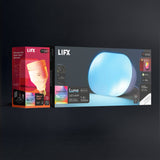
There's no meaningful limit for a home setup. The LIFX app lets you add, group, and control as many bulbs as you own, whether that's one bulb in a lamp or dozens across your entire house. Organize them by room, run scenes across multiple bulbs at once, or control each one individually, all from the same app.

Featured in the publications you already trust
WIREDThe VergeWirecutterEngadgetFast CompanyThe New York TimesGizmodo
Stay in the loop

New products, launches and the occasional good deal. Unsubscribe any time.